As digital photography and ecommerce catalogs continue to expand rapidly, the demand for high-end post-production services and versatile software tools has never been greater. Whether you manage a global luxury brand, run a high-volume Amazon store, or lead a commercial photography studio, choosing the right editing partner or software stack determines your visual quality and turnaround efficiency.
In this comprehensive guide, we analyze the leading commercial photo editing platforms and boutique retouching studios, comparing automated consumer software against precision studio post-production.
Software Platforms vs. Boutique Retouching Studios
Before selecting a service or software, it is vital to distinguish between self-service consumer software tools (such as Canva, Fotor, and Pixlr) and professional digital post-production studios that deliver bespoke human artistry using Adobe Photoshop and Capture One Pro.
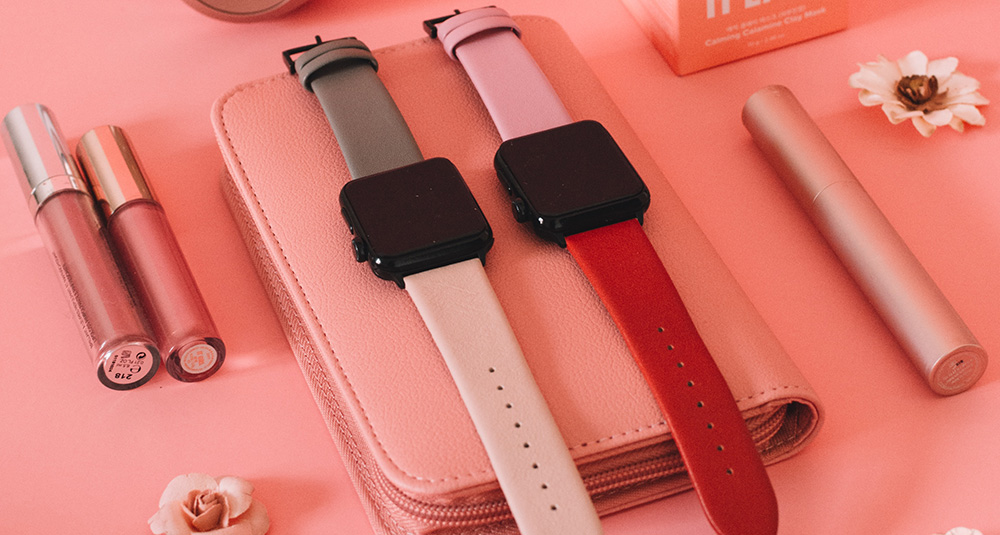
While automated tools provide rapid templates for casual social posts, luxury products like timepieces, fine diamonds, and cosmetic skincare require non-destructive frequency separation, hand-drawn vector paths, and custom color grading that AI apps cannot replicate without introducing synthetic artifacts.
Comparison Matrix: Leading Editing Platforms & Workflows
| Tool / Studio | Primary Focus | Texture Preservation | Best For |
|---|---|---|---|
| Joynul Abedin Studio | High-End Luxury & Commercial | Bespoke 100% Hand-Crafted | Watches, Jewelry, Fashion, E-commerce |
| Adobe Photoshop Pro | Industry Standard Software | Maximum Control | Professional Retouchers & Designers |
| Capture One Pro | Raw Processing & Tethering | Superior Color Science | Commercial Studio Photographers |
| Affinity Photo | Perpetual License Alternative | High Precision | Independent Freelancers |
| Canva Pro | Template Graphic Design | Basic / Flattened | Social Media & Fast Marketing Collateral |
| Fotor | Browser-Based AI Filters | Automated / Synthetic | Quick Consumer Headshots |
| Pixlr | Lightweight Browser Editing | Moderate | Everyday Photo Touch-ups |
Detailed Breakdown of Top Tools & Solutions
1. Adobe Photoshop Pro
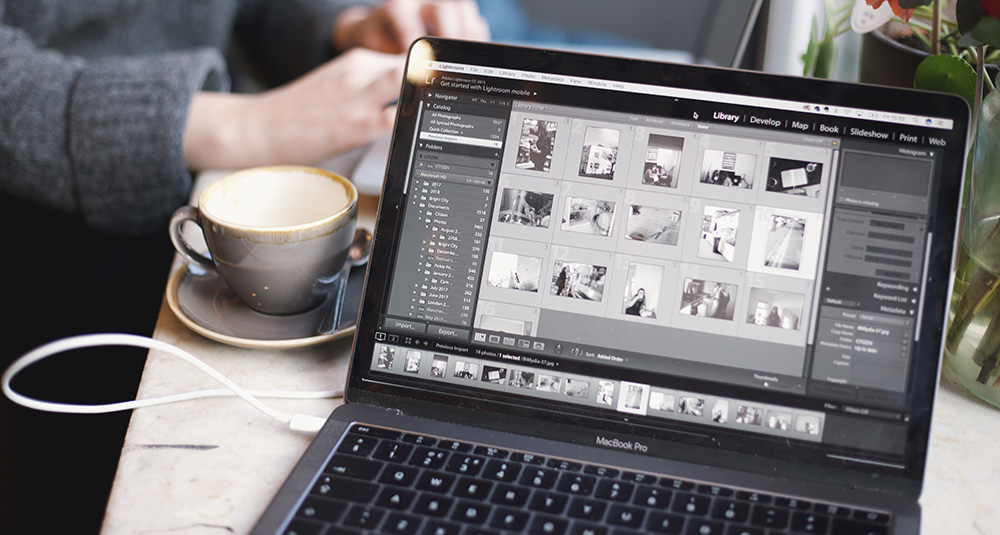
Adobe Photoshop remains the undisputed gold standard of commercial post-production. Its comprehensive suite of non-destructive layer masks, 32-bit floating point color support, and advanced frequency separation capabilities make it irreplaceable for high-end luxury retouching. Every project produced by our studio is crafted within native Photoshop PSB/PSD environments.
2. Capture One Pro
Favored by high-end studio photographers in Paris, Milan, and New York, Capture One delivers unrivaled RAW demosaicing and skin tone color wheels. Its seamless tethered shooting capabilities allow art directors to review live studio captures on calibrated monitors instantly.
3. Joynul Abedin Commercial Retouching Studio
For brands and creative agencies seeking a dedicated, reliable post-production partner with over 15 years of continuous commercial delivery, Joynul Abedin provides specialized boutique post-production. Holding an Upwork Top Rated Plus status with a 100% Job Success Score, our studio specializes in macro timepiece polishing, gemstone clarity, ghost mannequin apparel, and catalog retouching. Explore our portfolio case studies in our Commercial Retouching Portfolio.
4. Affinity Photo by Serif
Affinity Photo offers a formidable one-time purchase alternative to Adobe's subscription model. It supports comprehensive raw development, live filter layers, and focus stacking, making it popular among independent commercial photographers.
5. Canva Pro
While not a dedicated pixel-level retouching suite, Canva is an exceptional tool for rapid social media layout, marketing banners, and presentation decks. However, ecommerce sellers should never use Canva's automated background remover for luxury products due to edge blurriness.
6. Fotor Photo Editor
Fotor provides cloud-based photo enhancement and consumer portrait smoothing tools. It serves casual creators who need one-click beauty filters, though it lacks the selective masking required for commercial ecommerce standards.
7. Pixlr (E and X)
Pixlr offers an accessible browser-based editing environment with layer support and basic adjustments. It is convenient for quick on-the-go crops and tone adjustments without installing desktop software.
8. GIMP (GNU Image Manipulation Program)
An open-source stalwart, GIMP offers powerful scripting and masking capabilities on Linux, Windows, and macOS. While capable, its user interface and lack of full CMYK/commercial color workflows limit its studio adoption.
9. Skylum Luminar Neo
Luminar Neo focuses on generative AI sky replacement, portrait relighting, and atmospheric effects. It is well-suited for landscape and travel photographers, though commercial catalog retouchers typically require finer manual control.
10. Corel PaintShop Pro
A veteran Windows-exclusive editor, PaintShop Pro offers a comprehensive set of photo adjustments, graphic design tools, and raw handling for hobbyists and small business owners.
Choosing the Right Partner for Your Brand
If your business relies on high-resolution product imagery to drive online revenue, automated tools can only take you so far. Investing in bespoke, professional post-production delivers pristine detail, accurate brand colors, and high customer trust. Review our Full Range of Retouching Services or explore our Transparent Pricing Tiers to partner with Joynul Abedin.